Consent Mode v2: Why GA4 data is missing
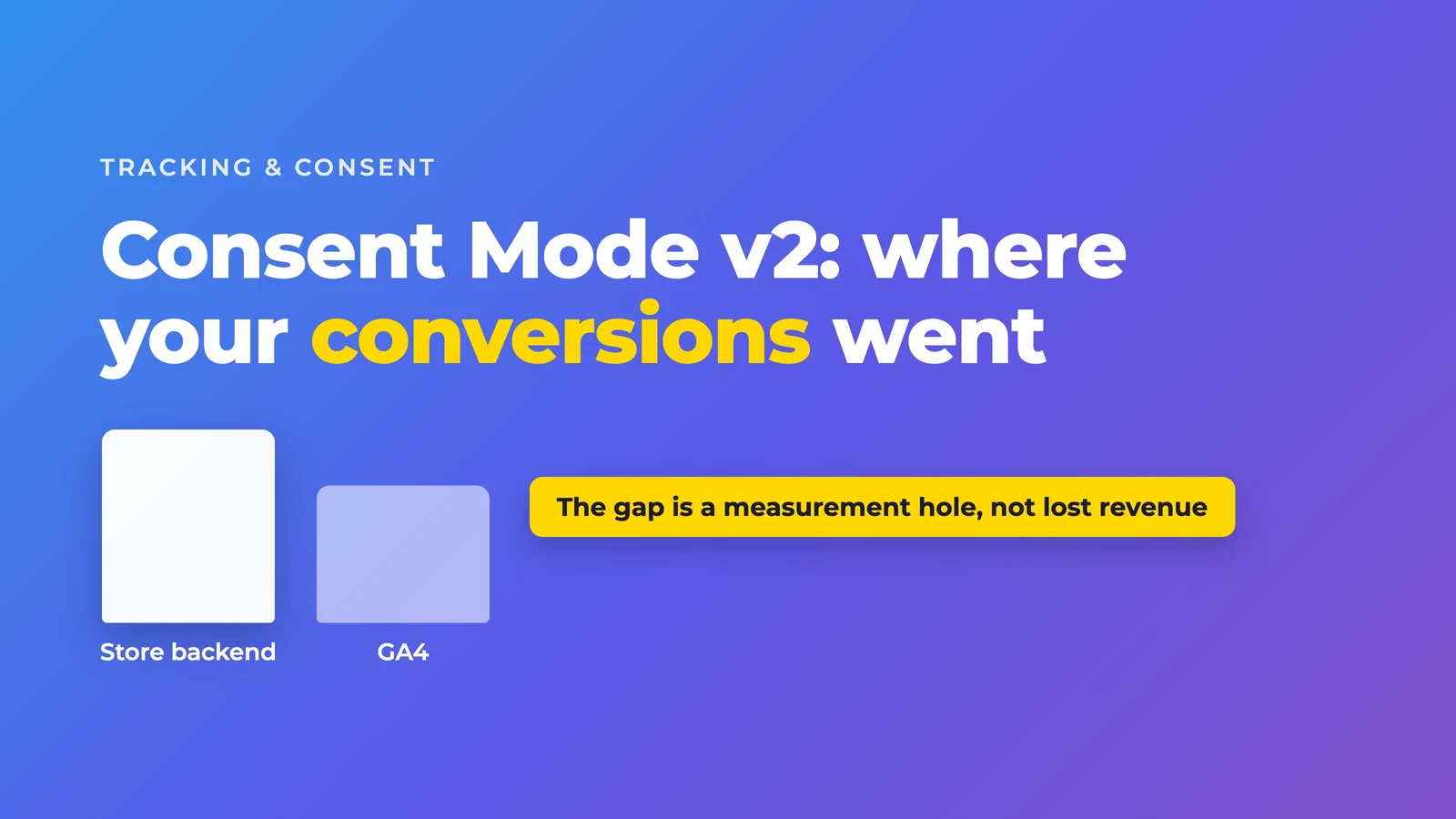

Your store reports purchases, but GA4 shows fewer. First compare the same orders, periods and values. Then check the banner and tags. Consent Mode v2 sends consent decisions to Google. It does not guarantee complete measurement.
What Consent Mode v2 does
Consent Mode adjusts Google tag behavior to the user's consent. Version 2 added ad_user_data and ad_personalization. Google's EU User Consent Policy requires certain consents for advertising data and personalized ads. Consent Mode communicates those decisions. It does not replace the assessment of required consent.
- ad_storage: controls storage access for advertising purposes.
- analytics_storage: controls storage access for analytics.
- ad_user_data: communicates consent to send user data to Google for advertising.
- ad_personalization: communicates consent for personalized advertising.
Not every tag requires all four signals to be granted. The purpose and the user's decision determine the relevant signals. Declining personalized advertising does not automatically mean declining analytics cookies. Your CMP sets defaults and updates through its integration or consent commands. GTM's consent overview helps inspect tag settings. It does not set the user's consent itself.
Basic and Advanced send different data
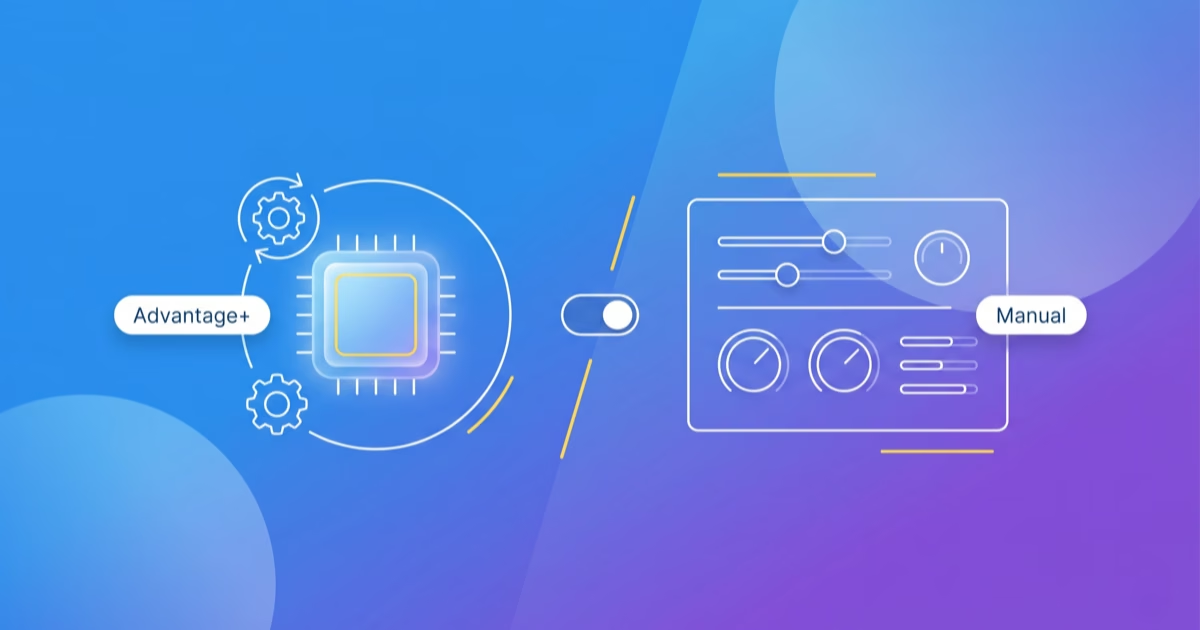
- Basic: Google tags are blocked until consent. Nothing is transmitted to Google if consent is denied. Google Ads can still use a general model for conversion modeling.
- Advanced: Google tags load with the configured default. When consent is denied, limited cookieless pings can be sent. This supports more specific models when eligibility criteria are met. Cookieless does not automatically mean anonymous or exempt from privacy assessment.
Google's Consent Mode overview distinguishes these variants and their modeling. Assess which behavior is permitted for your setup with the person responsible for privacy.
Modeling is not a record of individually observed purchases. Google Ads conversion modeling and GA4 behavioral modeling have different criteria. A blanket threshold of a few hundred conversions is therefore misleading. GA4 considers daily events with analytics_storage denied and users with analytics_storage granted, among other requirements. Read GA4's behavioral modeling eligibility criteria. Meeting minimum thresholds does not guarantee modeling.
A common error: the banner and tags do not communicate
The banner accepts a choice, but the tag setup receives no matching update. This can happen after a CMP switch, relaunch or GTM rebuild. A missing integration, outdated event triggers or a late default are possible causes. Matching dates give you a diagnostic clue, not proof.
Fictional example: a new CMP sends a different event from the previous provider. GTM still listens for the old trigger. The banner looks correct, but relevant consent signals remain denied. Inspect the signal flow as well as the visible banner.
Start the diagnosis in 15 minutes
- Open Tag Assistant. In the Consent tab, inspect defaults, updates and their timing before Google tags execute.
- Test Reject, Accept all and a custom choice. Signals must match each decision.
- Check which Google tags load and which requests they actually send for each choice. For server-side tracking, inspect incoming requests and outgoing tags in the server container too.
- Use GA4 DebugView to check events. It does not replace consent diagnosis in Tag Assistant.
- Compare backend and GA4 with the same order definition, time zone and period. Check cancellations, refunds, duplicates, attribution and reporting differences.
- Compare the measurement change with deploy and CMP-switch dates. Reproduce an error before attributing the change to budgets or creatives.
What server-side tracking can fix
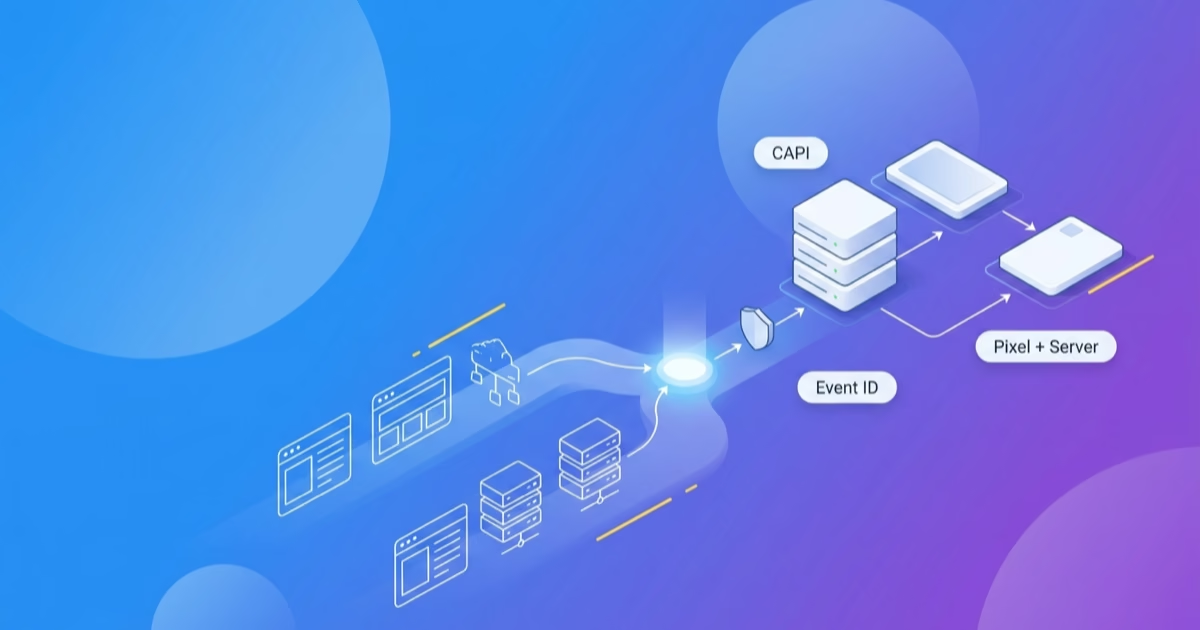
A server container can give you more control over event processing and forwarding. If collection still starts in the browser, blockers can still prevent it. Adding a server container does not automatically extend cookie lifetime.
Google tags in the server container can respect forwarded consent signals. Other providers need their own correct implementation. Meta Conversions API is Meta's interface, not a generic name for sending events to Google. Server-side tracking does not replace required consent. Google documents consent flow in server containers.
Read the server-side tracking guide for the setup. Other measurement problems are covered in 5 reasons your tracking misleads you.
Frequently asked questions
Is Consent Mode v2 mandatory?
Google's consent requirements apply to relevant advertising features. Consent Mode alone does not determine which consents or banner your setup legally requires. Your implementation must communicate the decisions users actually made.
Does Google automatically fill missing conversions?
No variant guarantees complete recovery. Google Ads uses a general model in Basic Mode. Advanced enables more specific models. GA4 behavioral modeling requires Advanced and additional eligibility criteria.
Does the gap between the backend and GA4 mean lost revenue?
No. A reporting difference does not prove lost revenue. It can come from measurement or differing definitions. Start with a reproducible order and consent test.
How we check your setup
The banner, consent signals and conversion measurement need to work together. We check that path when taking over as a Google Ads agency or Meta Ads agency.