Performance Max setup: Feed, assets and control


Google allocates your PMax budget. You need to know which costs and results your business can support. Set the conversion goal and assets before launch. In e-commerce, include a maintained product feed.
What is Performance Max?
Performance Max (PMax) is Google's fully automated campaign type that serves all Google inventory in a single campaign. Instead of steering individual channels separately, you provide a conversion goal, budget, a product feed and asset groups. Google then decides where, when and to whom your ad is shown. Control lies less in the targeting than in the quality of what you give the algorithm.
The key points in brief
- You steer PMax through inputs, not classic targeting: feed, assets and signals.
- Check the product feed: titles, images and attributes need to fit the range and intended delivery.
- Asset groups are your structure lever. One per product category or audience instead of everything in one pot.
- Without exclusions and steering, PMax easily cannibalises your brand search and obscures where the budget really flows.
Lever 1: The product feed
Check the product feed before launch: complete titles, relevant search terms, clean product types, good images and correct attributes. Resolve identifiable gaps and keep checking after launch. More budget does not fix incorrect product data.
Lever 2: Cut asset groups sensibly
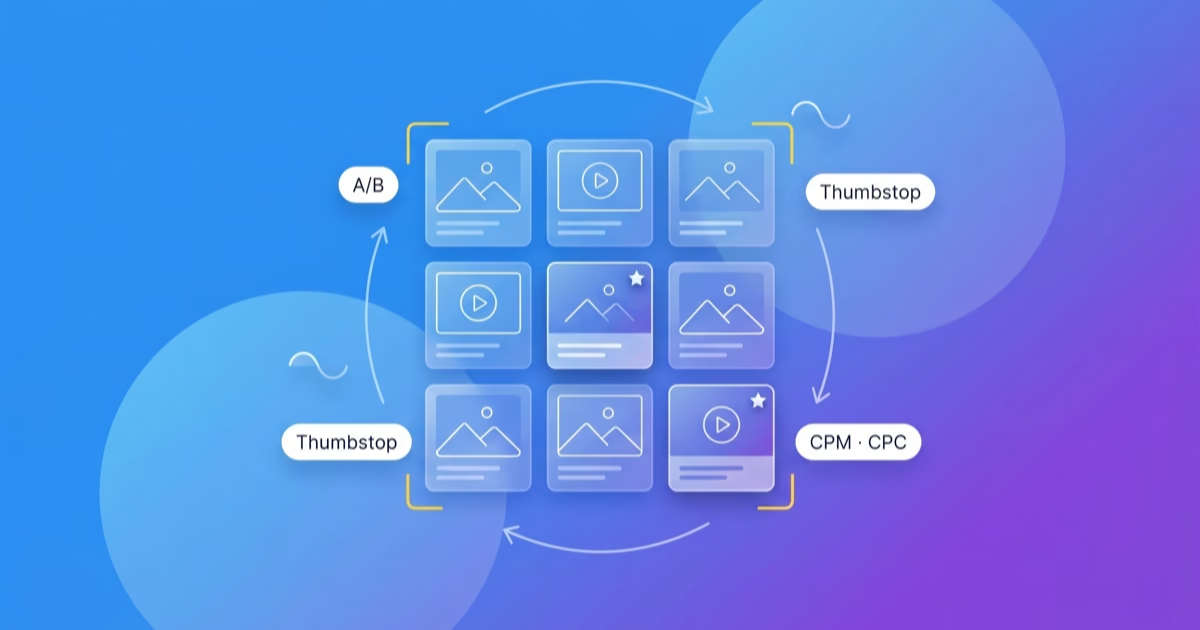
Organise asset groups around a clear logic, such as product category, margin or audience. Assign relevant messages and images, and document the structure. That makes it easier to understand which part of the campaign you are reviewing.
Lever 3: Give signals, don't hope
PMax gets better the better the signals it receives. Audience signals, meaning your best customer lists, high-value audiences and search themes, show the algorithm where to start looking. They are not hard targeting, but a starting point. Combined with clean conversion tracking and enhanced conversions, the campaign learns faster to find the right buyers.
Lever 4: Win back exclusions and control
Review how much reported performance comes from brand search. Use appropriate exclusions and check irrelevant queries and placements where your setup allows it. Reports and scripts help make budget allocation visible. Assess it alongside your business numbers.
Performance Max vs classic Search campaigns
- Channels: PMax all Google inventory, classic Search only search.
- Control over keywords: PMax very low, Search high.
- Transparency: PMax limited, Search high.
- Strength: PMax scaling across all channels, Search targeted purchase intent.
- Steered via: PMax feed, assets and signals, Search keywords and bids.
Review the role of each campaign type in your account: which search demand does Search cover, and what job should PMax do? A shared plan is more useful than a blanket recommendation to combine them.
Case in point: PuttView
The published PuttView case describes work on campaign structure, keywords and landing pages in the Google setup. It reports 241 percent ROI, over 73 sales opportunities and more than 12 new customers in the first year through a single paid channel. These figures do not isolate individual changes or establish a general advantage for PMax.
Why steering takes experience
Maintain the feed, review asset groups, and check exclusions and reports. Give that work a regular review schedule. Launching once does not replace it.
Frequently asked questions
Who is Performance Max worth it for?
Above all for e-commerce with a good product feed and for accounts that want to scale across all Google channels. Anyone who only wants to capture targeted purchase intent through search often runs more controlled with classic Search campaigns.
Does Performance Max cannibalise my brand search?
PMax can serve brand searches. Review that share before treating reported ROAS as additional demand. Whether you need brand exclusions, and which ones, depends on the campaign’s role.
How important is the feed for Performance Max?
The feed is an important input for Shopping delivery. Check titles, product types, images and attributes. Its effect on the result cannot be expressed as a universal share for every account.
Should I run Performance Max and classic Search in parallel?
Running both can make sense when they have different roles. Define those roles and review the overlap. Running them in parallel does not by itself create a clear structure.
Conclusion
Review the feed, asset groups, signals and exclusions regularly. Decide when to act and how to assess the change. This is how we work.
If you would rather not run PMax yourself
We keep the feed, asset groups and exclusions current. A senior manages your account personally. As a Google ads agency, we review the campaign alongside your business numbers.
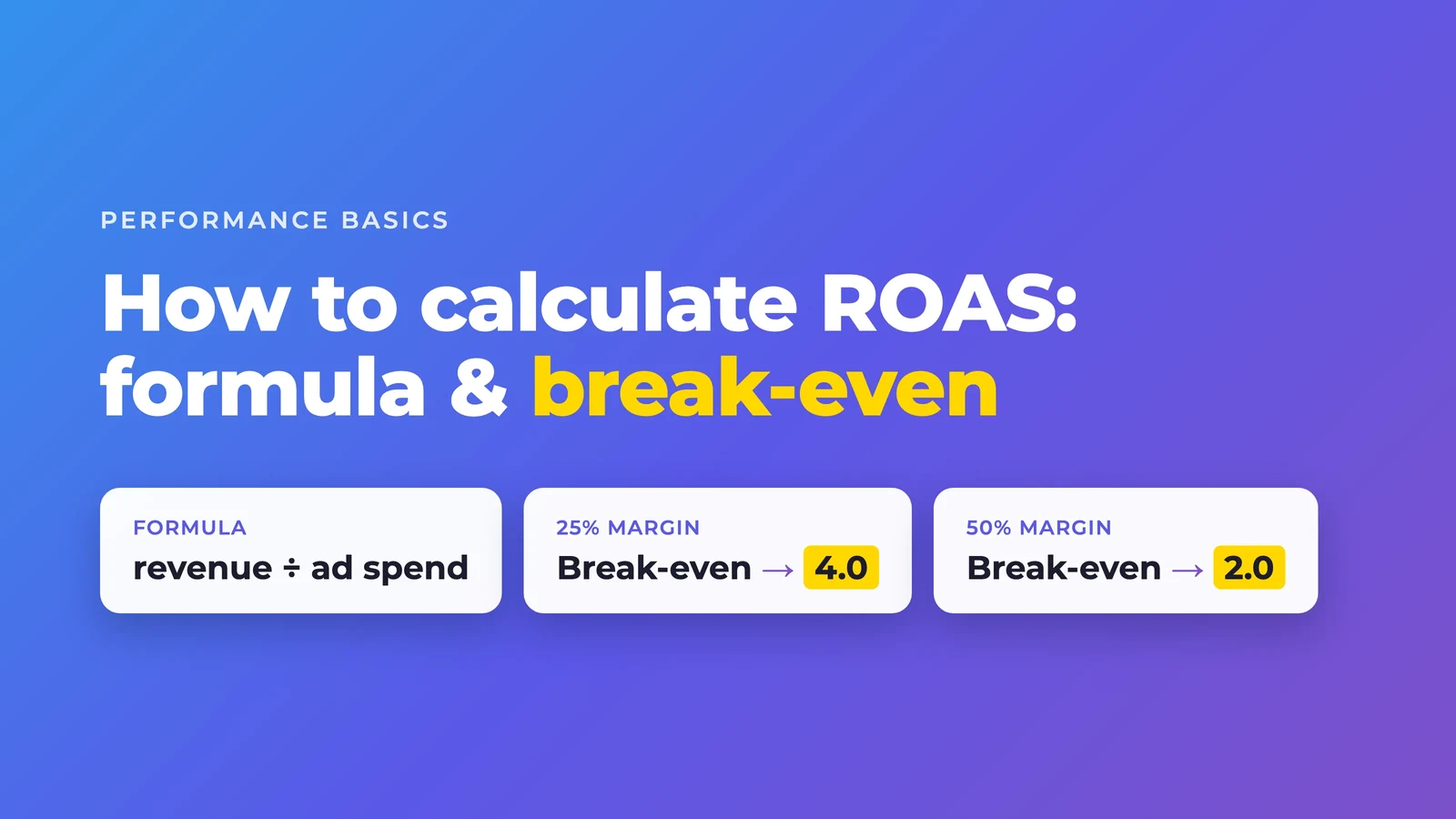
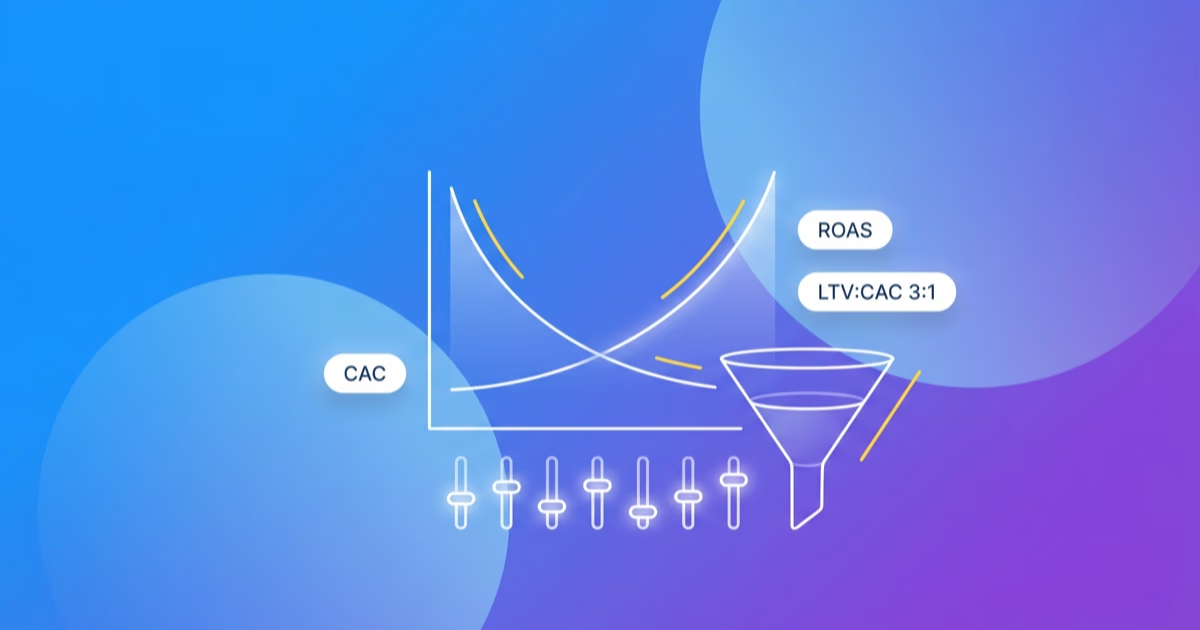
Whether the campaign pays off comes down to your break-even. The maths sits in Calculating ROAS.